How to Make a Media Kit as a Content Creator
Every brand deal starts the same way: a brand slides into your DMs or replies to your pitch and asks some version of "do you have a media kit?" If your answer is a scramble to remember which Canva file has your latest follower count, this guide fixes that for good.
A media kit is the single most important document in your creator business — more important than your contract, more important than your invoice — because it's the thing that gets you the deal in the first place. Below is everything you need to build one that actually converts brand interest into paid work, plus a free media kit template you can use instead of starting from a blank page.
What Is a Media Kit?
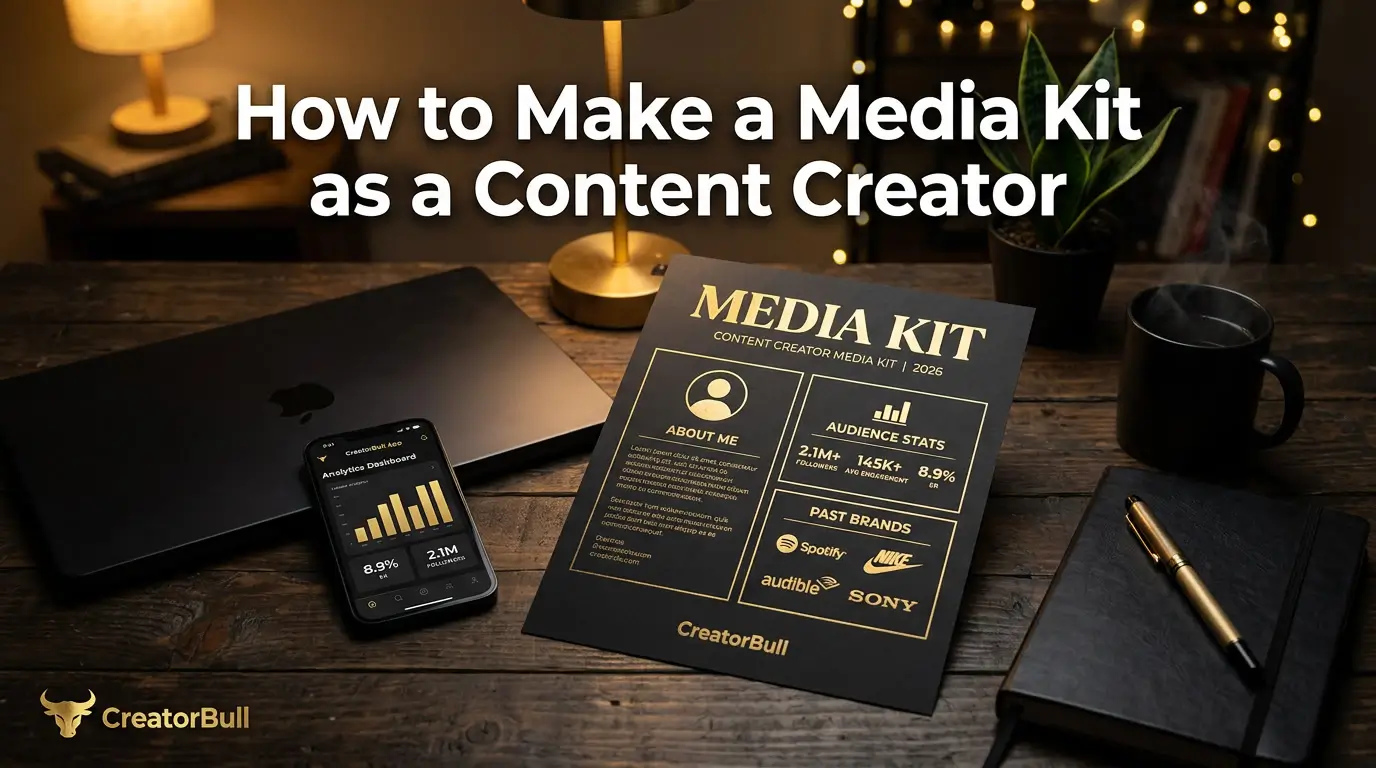
A media kit is a short, visual document that introduces you to a brand: who you are, who your audience is, how your content performs, who you've worked with, and how to reach you. Think of it as your creator resume — the first thing a brand looks at to decide whether you're worth a reply.
Where a rate card answers "how much do you charge?", a media kit answers the question that comes before that: "why should I care?" It's the difference between a price list and a pitch. Most brands want to see both — your story and your numbers — which is why the best media kits fold pricing in as one section rather than leaving it out entirely.
Why Small Creators Need One More Than Big Ones Do
It's tempting to think media kits are for creators who already have six-figure followings and a manager. It's actually the opposite. When you have 1.2 million followers, brands already know who you are before they open your email. When you have 8,000 followers, the media kit is the pitch — it's the only thing standing between you and being another anonymous DM in a brand's inbox.
At small follower counts, brands are betting on professionalism and audience fit, not scale. A clean, specific media kit signals both instantly. A creator who shows up with a polished one-pager gets taken seriously ahead of a creator with 3x the followers and no materials — because the media kit is proof you'll be easy to work with, and brands care about that as much as reach.
What to Include in Your Media Kit
A clear header — your name, handle, and a real photo. Brands want to see a face, not just a logo or a niche description. Use a current, high-quality photo of yourself, not a graphic or an old headshot.
A short bio that states your niche and your audience. Two or three sentences. What you create, who watches it, and what makes your angle different. "Fitness content for busy parents who have 20 minutes a day" tells a brand more in one line than "lifestyle and wellness creator" does in three.
Platform stats — for every platform you're active on. Follower count, average views or reach, and engagement rate. Don't just list Instagram if you're active on TikTok and YouTube too — brands buying a bundled campaign want to see your full footprint in one place. Keep these numbers current; stale stats are the fastest way to lose credibility with a brand that cross-checks your profile.
Audience demographics, if you have them. Age range, gender split, top locations. Not every small creator has detailed analytics, but if your platform gives you this data (Instagram and TikTok both do, under your professional dashboard), include it. Specificity about who's watching beats a bigger number every time — a brand selling to 25-34 year old women in the US cares more about your audience match than your total follower count.
A few examples of your best content. Two or three pieces, with a line of context — what it was about, and how it performed. This is your portfolio. It shows brands your production quality and your voice before they commit to anything.
Past brand collaborations. Even two or three logos of brands you've worked with — no matter how small the deal — builds trust instantly. It tells a new brand "someone else already said yes to this creator." If you're pitching your very first deal and have nothing here yet, it's fine to leave this section out rather than leave it empty and obvious.
Your rates or packages. This is the part creators are most tempted to skip, but including at least a starting rate or a link to your full rate card removes a full round of back-and-forth. Brands moving through a list of ten creators will always reply faster to the ones who don't make them ask.
Contact details. A business email, not just "DM me." Agencies and brand marketers work off email threads, not Instagram DMs, and a dedicated contact method signals you're set up to run this like a business.
Media Kit Mistakes That Cost Creators Deals
Sending a PDF that's six months out of date. Your follower count grew, you added a platform, your rates changed — but the PDF sitting in your Google Drive still says what it said in January. Brands notice inconsistencies between your kit and your live profile, and it reads as sloppy.
Leading with follower count instead of audience fit. A brand selling running shoes doesn't care that you have 40,000 followers if none of them run. Lead with who your audience is and what they care about — the follower count is supporting evidence, not the headline.
No rates anywhere. Forcing a brand to ask "what's your rate?" before they even know if they like your content adds friction at the exact moment you want none. Even a "starting at" range keeps the conversation moving.
Overdesigning it. A media kit stuffed with five fonts, low-contrast text on a busy background image, and a two-page bio is harder to skim than one clean page. Brand marketers look at dozens of these a week — clarity wins over creativity here.
Media Kit or Rate Card — Do You Need Both?
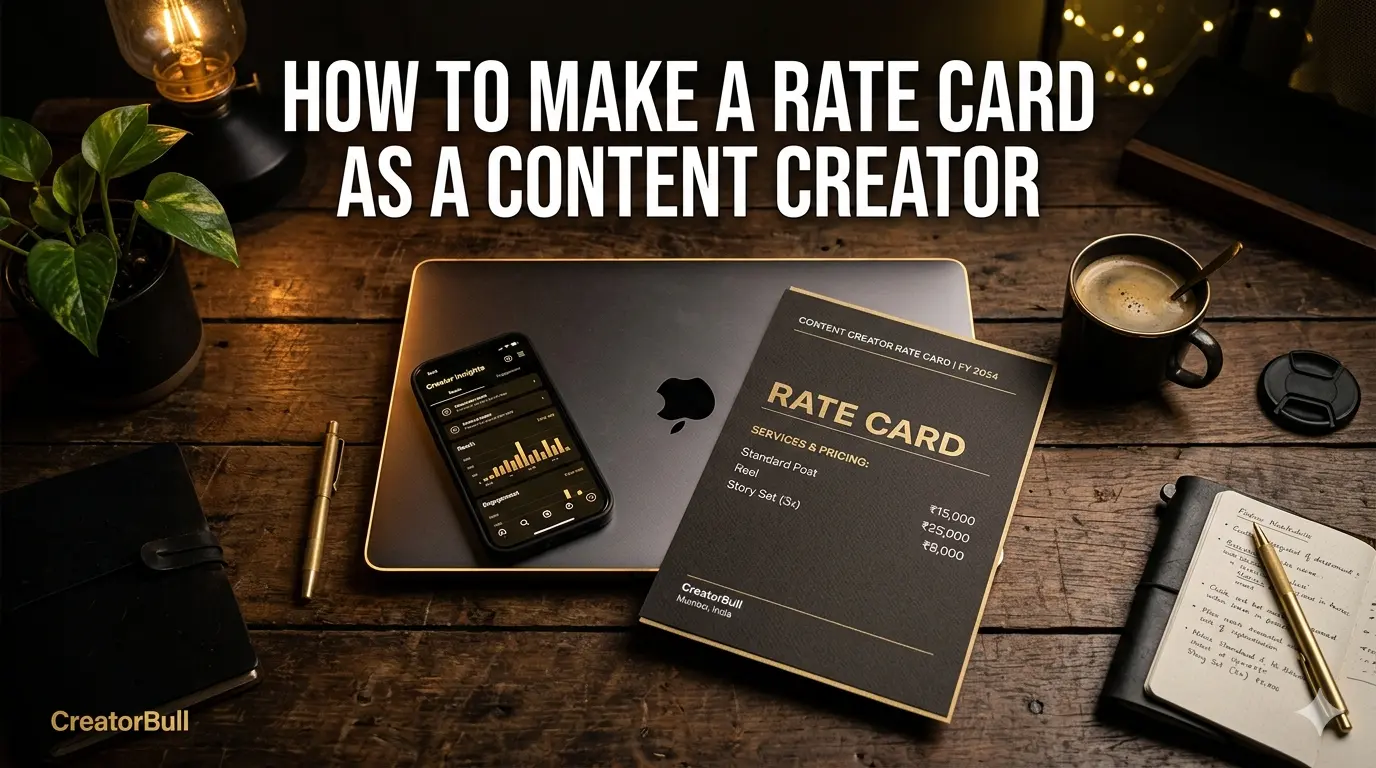
Technically, a media kit and a rate card serve different moments in the conversation — one introduces you, the other prices you. But for a small creator fielding your first handful of brand outreach, maintaining two separate documents is usually more upkeep than it's worth. Most brands who ask for a media kit are really asking "tell me about yourself and what you charge" in one message.
The simplest system: build one page that includes your story and your pricing, and share it as a live link. If a brand later asks for something more formal for procurement, you can always export a PDF version of the same information. This is exactly how CreatorBull's rate card and media kit builder works — one form captures your photo, niche, bio, platform stats, past brands, and pricing, and it becomes both your shareable media kit and your rate card at the same link. Read more about pricing specifically in how to make a rate card as a content creator.
How to Share Your Media Kit
A PDF attachment works, but it puts the burden on the brand to open a file, and it goes stale the moment anything about your business changes. A live link is better for three reasons: you update it once and every past and future recipient sees the current version, you can track when brands actually view it, and it drops cleanly into your Instagram bio, email signature, and pitch emails without an attachment.
Put your media kit link in three places: your Instagram/TikTok bio, your email signature, and the first message of every brand pitch you send. The goal is that a brand never has to ask you for it — it's already one click away.
Free Media Kit Template for Creators
If you'd rather not design one from scratch, you don't have to. CreatorBull's free media kit template already has every section above built in — photo, bio, niche, platform stats, past brands, and pricing — so you just fill in your own numbers instead of fighting with a blank Canva page.
It doubles as a free rate card maker too, since your pricing lives on the same page. You can also benchmark what to charge first with CreatorBull's free creator rate calculator before you fill in your packages.
Frequently Asked Questions
Is a media kit the same as a rate card?
Not exactly. A media kit introduces you — your niche, audience, and content — while a rate card lists your prices. Most small creators are better off combining both into one page, which is what CreatorBull's builder does by default.
Do I need a media kit if I only have a few thousand followers?
Yes — arguably more than a bigger creator does. At small follower counts, brands are deciding whether to trust you based on professionalism and audience fit, not just reach. A media kit is what makes that decision easy.
Is there a free media kit template for content creators?
Yes. CreatorBull's rate card and media kit generator is free to use — you fill in your photo, bio, stats, and rates, and it gives you a shareable link plus a PDF you can send directly to brands.
How often should I update my media kit?
Every time your follower count, engagement, or rates meaningfully change — realistically every 1-3 months for a growing creator. A live link (rather than a static PDF) solves this automatically, since it always shows your current numbers.
Build Your Free Media Kit in 3 Minutes
You don't need Canva, a designer, or an afternoon to put this together. CreatorBull's free media kit and rate card generator walks you through your photo, bio, platform stats, past brands, and packages, then gives you a live shareable link and a downloadable PDF — both always in sync with your latest numbers.
It takes about 3 minutes to set up and it's free to start — no credit card, no design skills.
Free tool
Build your rate card in 3 minutes
Show brands your rates, past collabs, and social links — all in one shareable link.
Create yours free →Share this post