How to Make a Rate Card as a Content Creator (Free Template)
Every creator who works with brands needs a rate card. Not a rough idea of what you charge. Not a number you make up on the spot when a brand asks. A proper, professional rate card that shows brands exactly what you offer, what you charge, and why you're worth it.
If you've been sending brands a number via DM or scrambling to put together a PDF every time someone asks — this guide is for you.
What Is a Rate Card?
A rate card is a document that lists your deliverables and their prices. It tells brands exactly what they get when they work with you — which platforms you post on, what types of content you create, what you charge for each, and any additional terms like usage rights or exclusivity.
Think of it as your business menu. A brand reaches out, you send them your rate card, and they know immediately whether you're in their budget and what they can get from you. No back and forth, no guessing, no underselling yourself because you made up a number on the spot.
Why Every Creator Needs a Rate Card
Without a rate card, you're negotiating blind every single time. You might undercharge a brand that had a much higher budget. You might spend twenty minutes in a DM conversation just to establish basic pricing. You might give different rates to different brands for the same deliverable without realising it.
A rate card solves all of this. It sets a professional tone from the first interaction, signals that you take your business seriously, and gives brands the information they need to make a quick decision. Brands — especially at the agency level — work with dozens of creators at once. A creator who responds with a clean rate card moves much faster through their process than one who says "it depends, what's your budget?"
What to Include in Your Rate Card
Your name and handle — Make it immediately clear who this rate card belongs to. Include your handle on each platform you're active on.
Your niche — One or two words that describe what you create. Fitness. Tech. Lifestyle. Travel. Finance. This helps brands quickly confirm you're relevant to their campaign.
Platform stats — For each platform you're active on, include your follower count, average views or reach, and engagement rate. Brands use these numbers to assess your value. Keep them honest and up to date.
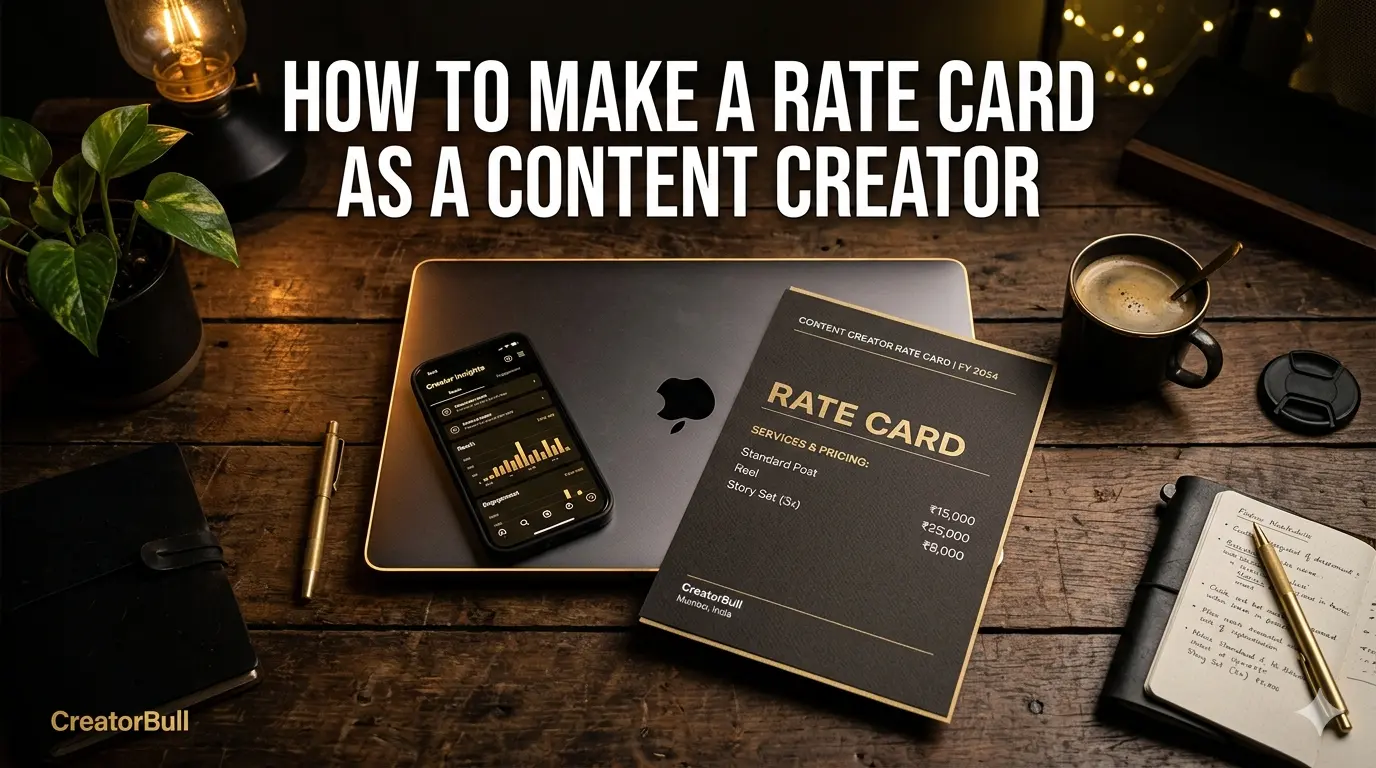
Deliverables and pricing — This is the core of the rate card. List every type of content you offer and its price. For example:
Instagram Reel — ₹25,000
Instagram Story Set (3 frames) — ₹8,000
YouTube Integration (60 seconds) — ₹45,000
YouTube Dedicated Video — ₹80,000
TikTok Video — ₹15,000
Be specific about what each deliverable includes — duration, number of posts, revision rounds, content rights.
Packages — Many creators offer bundled packages that give brands more value and give you a larger deal. For example: "Instagram Bundle — 1 Reel + 3 Stories — ₹30,000" (saving the brand ₹3,000 vs buying separately). Packages make it easier for brands to spend more in a single decision.
Usage rights — If a brand wants to repurpose your content in their own ads or marketing materials, that costs extra. This is called a usage rights or licensing fee. A common approach is to charge 20-30% of the original content fee per month of usage, or a flat fee for a defined period.
Exclusivity — If a brand wants you to avoid working with their competitors for a period of time, that's an exclusivity fee. This should always be a significant premium — you're limiting your earning potential.
Validity date — Your rates should have an expiry date. Set it 3-6 months out. This creates urgency and means you're not locked into old pricing if your audience grows.
Contact details — A clear email address or contact method so brands can reach you immediately after reviewing the card.
How to Price Yourself as a Creator
Pricing is where most creators struggle. The two most common mistakes are charging too little out of fear, or having no basis for the number they choose at all.
Here are the frameworks that actually work:
The CPM method — Calculate your average views per post and apply an industry CPM (cost per thousand views). For Instagram and TikTok, creator CPMs typically range from $15-$50 depending on niche and engagement. For YouTube, $20-$80 per thousand views is common for sponsorship integrations.
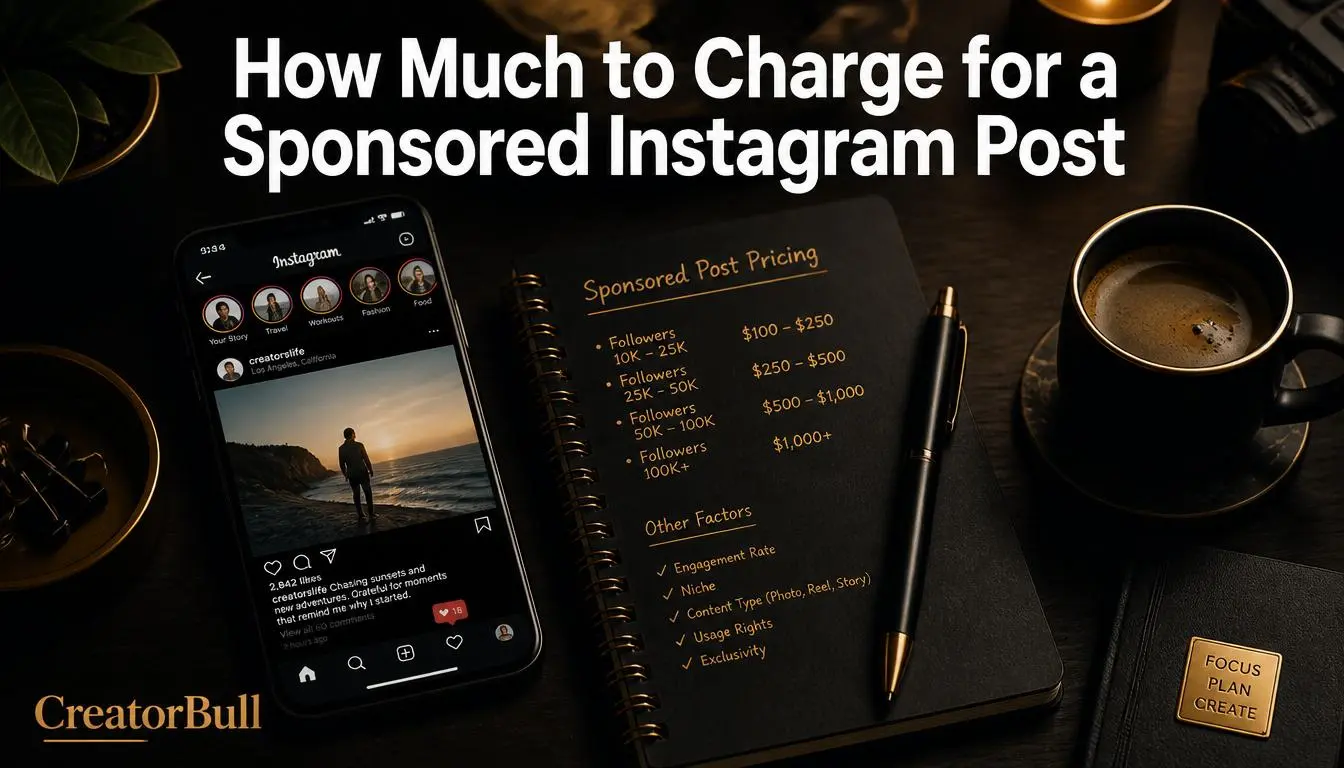
The percentage of follower count method — A rough industry rule of thumb is $10-$20 per 1,000 followers for a single Instagram post. So a creator with 50,000 followers might charge $500-$1,000 for a feed post. This is a starting point, not a ceiling — high engagement and premium niches command significantly more.
Research comparable creators — Find creators in your niche with similar follower counts and engagement. Some share their rates publicly. Platforms like CreatorBull's free revenue calculator can help you benchmark your rates against industry standards.
Price for the outcome, not the effort — A 60-second integration in a YouTube video might take you 2 hours to produce, but it reaches 200,000 people. Price for the reach and impact, not the time it took you.
The Difference Between a Rate Card and a Media Kit
A rate card focuses on pricing. A media kit focuses on your brand — your story, your audience demographics, your past collaborations, your aesthetic. They serve different purposes.
Some creators combine both into a single document. Others keep them separate and send the media kit first to introduce themselves, then follow with the rate card once a brand expresses interest. Either approach works — what matters is that both are professional and up to date.
How to Share Your Rate Card
The old way is a PDF. You build it in Canva, export it, and email it to every brand that asks. The problem with a PDF is that it goes stale immediately. Your rates change. Your follower count grows. You add a new platform. Now you have multiple versions of the PDF floating around and brands are working from outdated information.
The better way is a live rate card — a shareable link that always shows your current rates. Every creator on CreatorBull gets a public rate card at their own URL — something like creatorbull.com/u/yourhandle. You update it once and every brand who clicks your link sees the latest version instantly.
You can add your rate card link to your Instagram bio, your email signature, your LinkedIn profile, and your media kit. It works as a smarter link in bio that shows brands exactly what you charge the moment they land on it.
You can also generate a PDF version directly from CreatorBull for brands who specifically request one — so you get the best of both worlds.
Build Your Rate Card in 3 Minutes
Stop rebuilding the same document from scratch every time a brand asks. CreatorBull's free rate card generator lets you build a polished, shareable rate card with your platforms, pricing, social links, and past brand logos — then share it as a live link or PDF.
It takes about 3 minutes to set up and it's free to start.
Free tool
Build your rate card in 3 minutes
Show brands your rates, past collabs, and social links — all in one shareable link.
Create yours free →Share this post